

Do you ever open your planner on Monday morning and wonder: “What should I start with?” You’re not alone. Decision fatigue—the mental drain that comes from making too many choices—can slow you down before the week even begins.
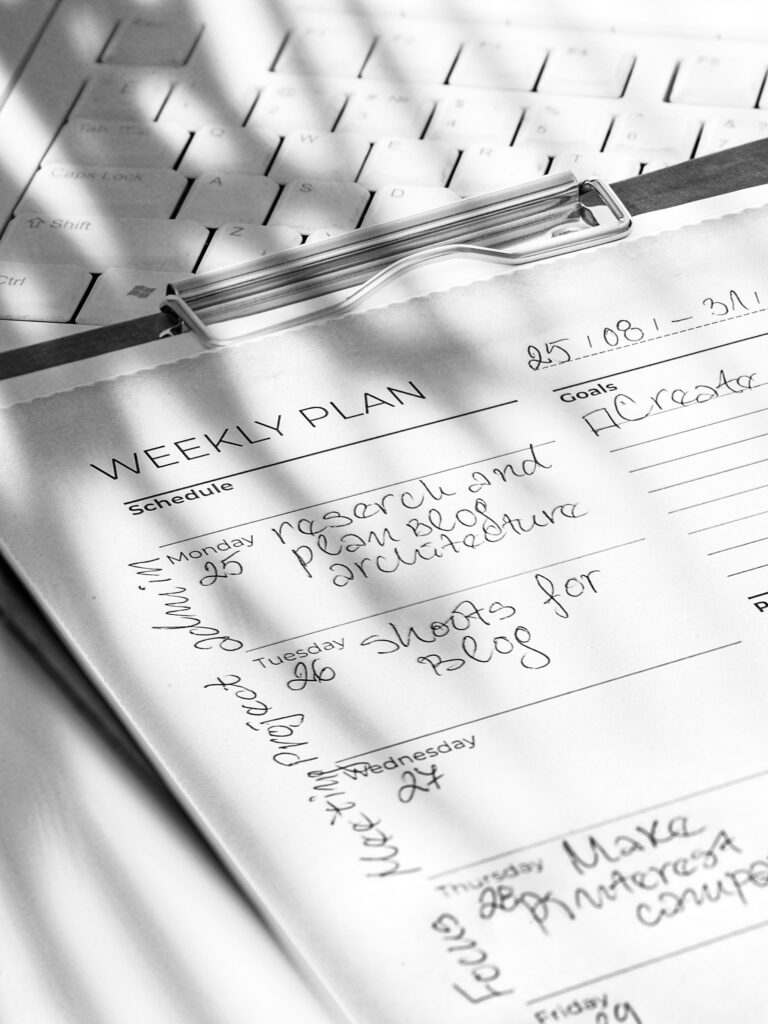
One way to remove that stress is by assigning thematic days to your week. Instead of treating every day as a blank canvas, you give each day a focus. It doesn’t mean you’ll only do that type of work all day long—but it sets a default priority, making it easier to know where to start.
This method has been used by leaders like Jack Dorsey (Twitter/Square) and productivity experts everywhere. The beauty is in its simplicity.
Example Thematic Week
Here’s a suggested framework you can try:
Monday – Admin & Organization
Mondays are perfect for clearing the decks.
- Reply to emails and messages
- Pay bills, track expenses
- Organize your calendar and to-do list for the week
Why it works: You set a clean foundation for the week instead of letting small tasks pile up.
Tuesday – Creativity & Projects

Reserve this day for focused, creative work.
- Brainstorm ideas for work or personal projects
- Write, design, or plan new content
- Map out big goals
Why it works: After Monday’s “housekeeping,” you’re free to dive into deep, creative thinking.
Wednesday – Collaboration & Meetings
The middle of the week is ideal for connecting.
- Schedule calls, meetings, or team check-ins
- Share progress updates
- Network or reach out to partners/clients
Why it works: You’ve gained momentum, but the week isn’t over—perfect timing for alignment with others.

Thursday – Focus & Growth

A quieter day for long, uninterrupted focus or learning.
- Work on big, challenging tasks
- Professional development: courses, reading, or skill-building
- Review long-term goals and progress
Why it works: With fewer distractions, Thursday becomes your “deep work” day.
Friday – Review & Wrap-Up
Fridays are about closing loops.
- Finish tasks started earlier in the week
- Do a weekly review in your planner
- Plan next week so you can relax on the weekend
Why it works: You end the week with clarity instead of carrying mental clutter into your weekend.

Saturday – Personal Projects & Joy

Use Saturday to balance productivity with fun.
- Work on hobbies or passion projects
- Spend time outdoors or exploring
- Household tasks that make life smoother
Why it works: It blends personal growth with leisure, giving your weekend intention.
Sunday – Reset & Recharge
Sunday is your preparation and rest day.
- Meal prep for the week
- Reflect on wins from the past week
- Reset your space and mindset for Monday
Why it works: You enter Monday refreshed, with energy instead of chaos.

How to Apply This System
- Customize it. If you prefer meetings on Monday and deep work on Friday, flip the schedule.
- Stay flexible. Not every task will fit neatly into its day—that’s okay. The goal is guidance, not rigidity.
- Use your planner. Write the theme at the top of each day’s page as a reminder. When in doubt about what to do first, follow the theme.
Why Thematic Days Work
- Reduces decision fatigue
- Creates natural structure in your week
- Builds momentum through repetition
- Makes it easier to batch similar tasks together
Try assigning themes to your week in your planner. You’ll notice that planning becomes easier, your days have more flow, and the “what do I do now?” question slowly disappears.
If you want a structured way to set weekly themes and track your progress, my printable and digital planners include space for weekly priorities, reflections, and habit tracking. They’re designed to make systems like this simple to use and stick with.